Announcing RingClone's App Connect Adapter for Zoho CRM & RingCentral!

We’re excited to announce that RingClone has added a new App Connect adapter for Zoho CRM, built in partnership with RingCentral. This new integration embeds RingCentral’s powerful communications directly into the Zoho CRM experience, giving sales and support teams seamless access to calling, SMS, and automatic activity logging without leaving their CRM. With a focus on ease of use, accurate contact matching, and fast deployment, the RingClone Zoho App Connect adapter helps teams work faster while keeping CRM data clean and complete.
Seamless integration between RingCentral and Zoho CRM
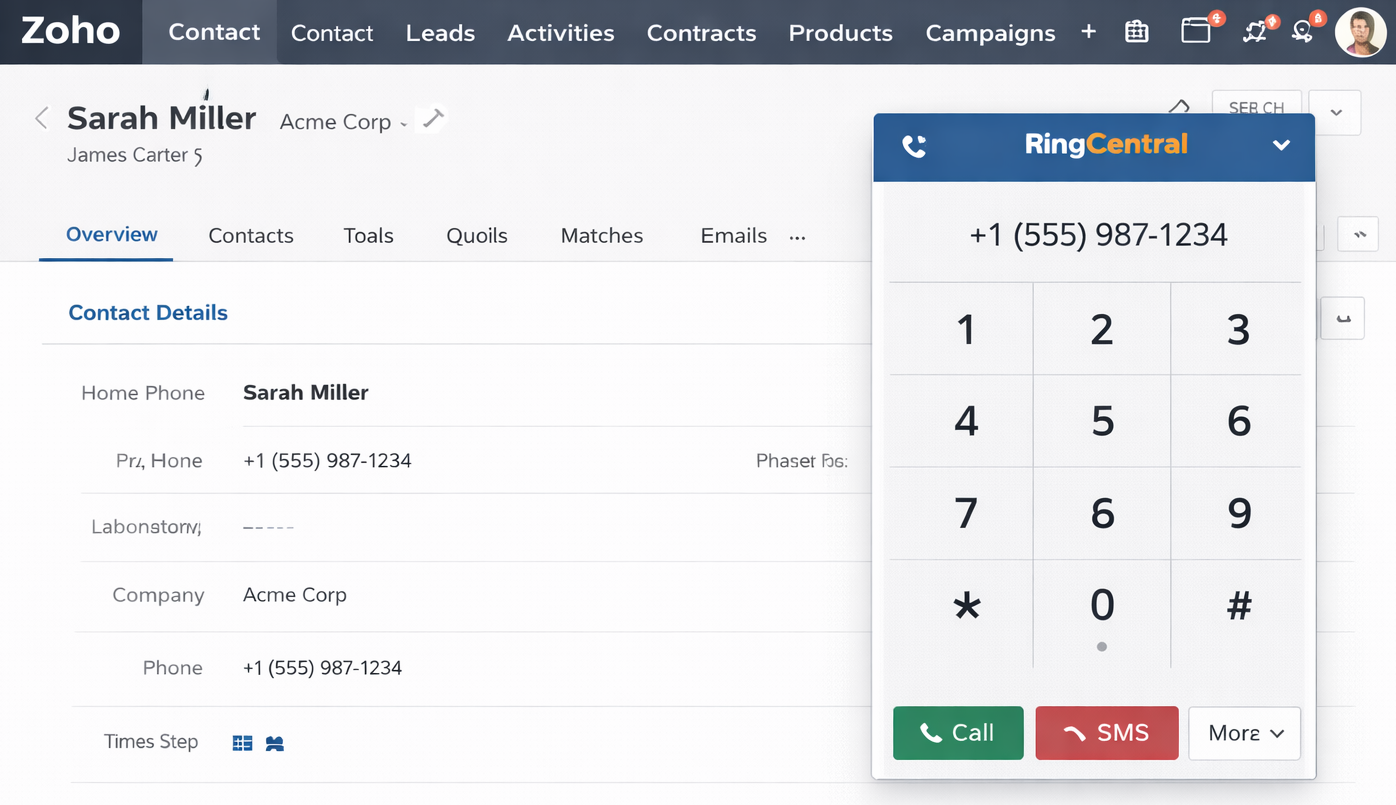
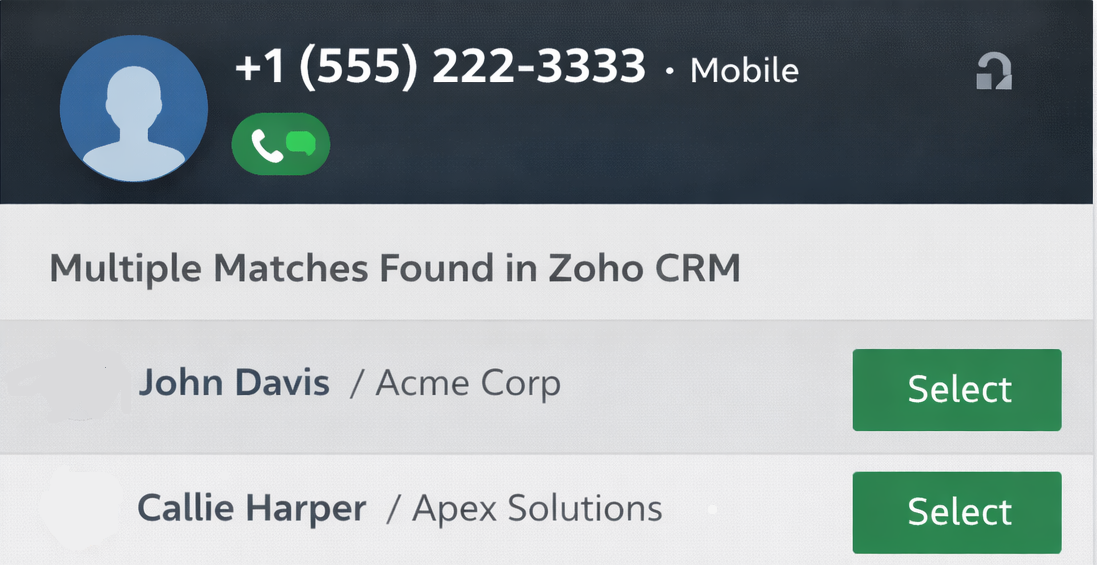
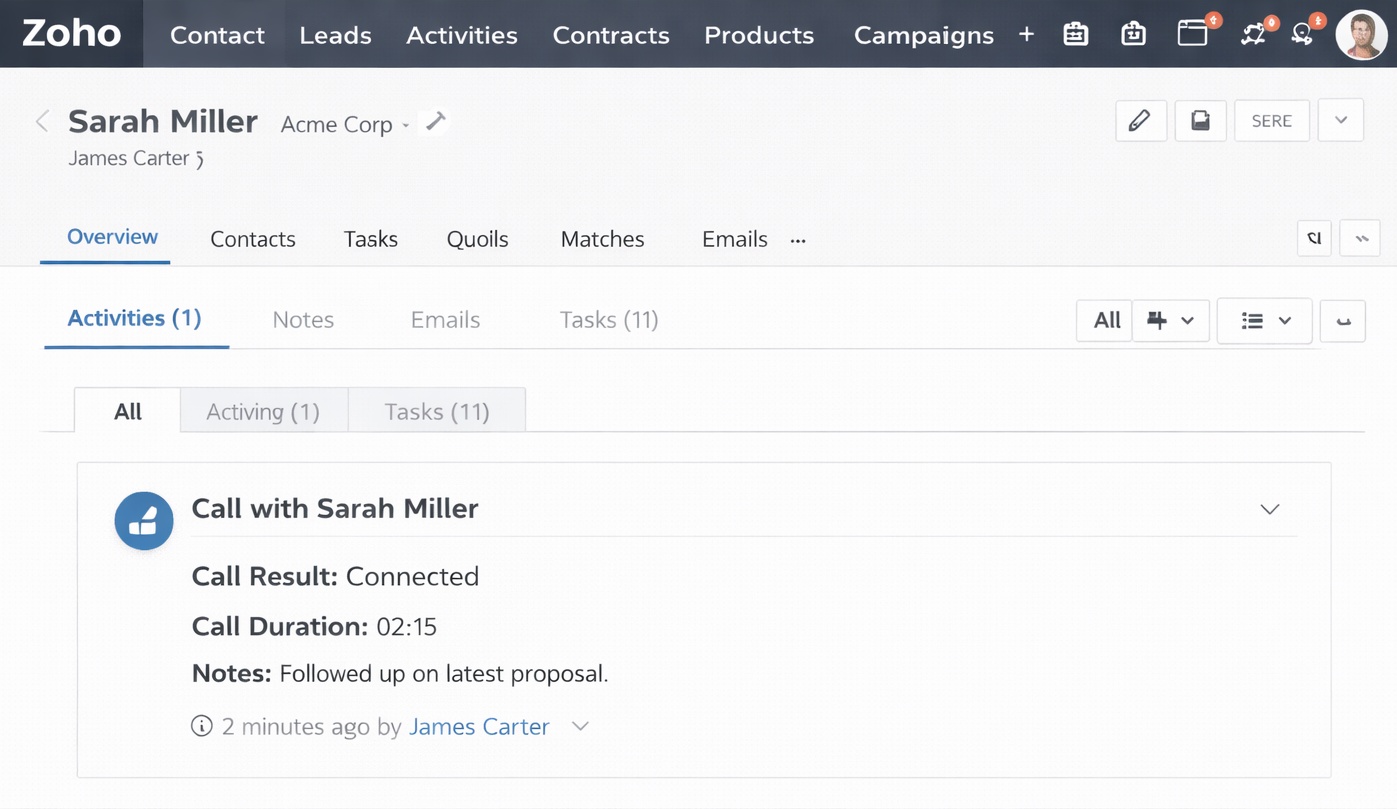
The RingClone Zoho App Connect adapter follows the same proven integration model used across the RingCentral App Connect ecosystem—delivering fast deployment, minimal configuration, and a consistent user experience across CRM platforms.
Quick steps to get started
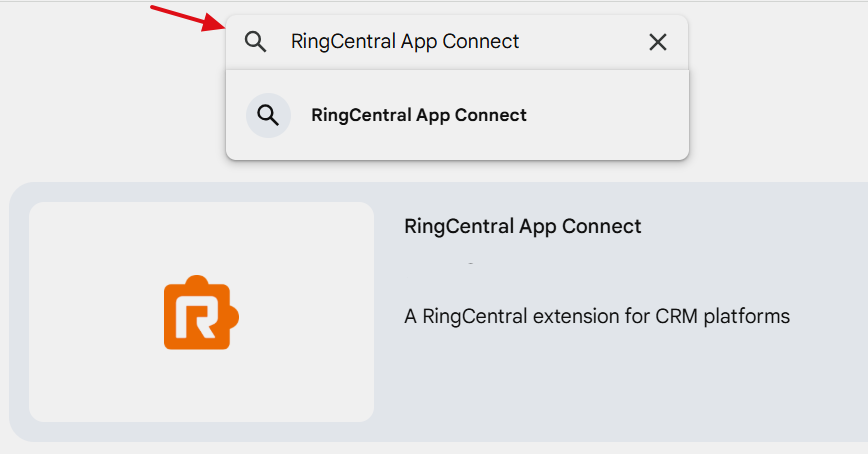
- Install the RingCentral App Connect extension from the Chrome, Edge, or Safari extension store
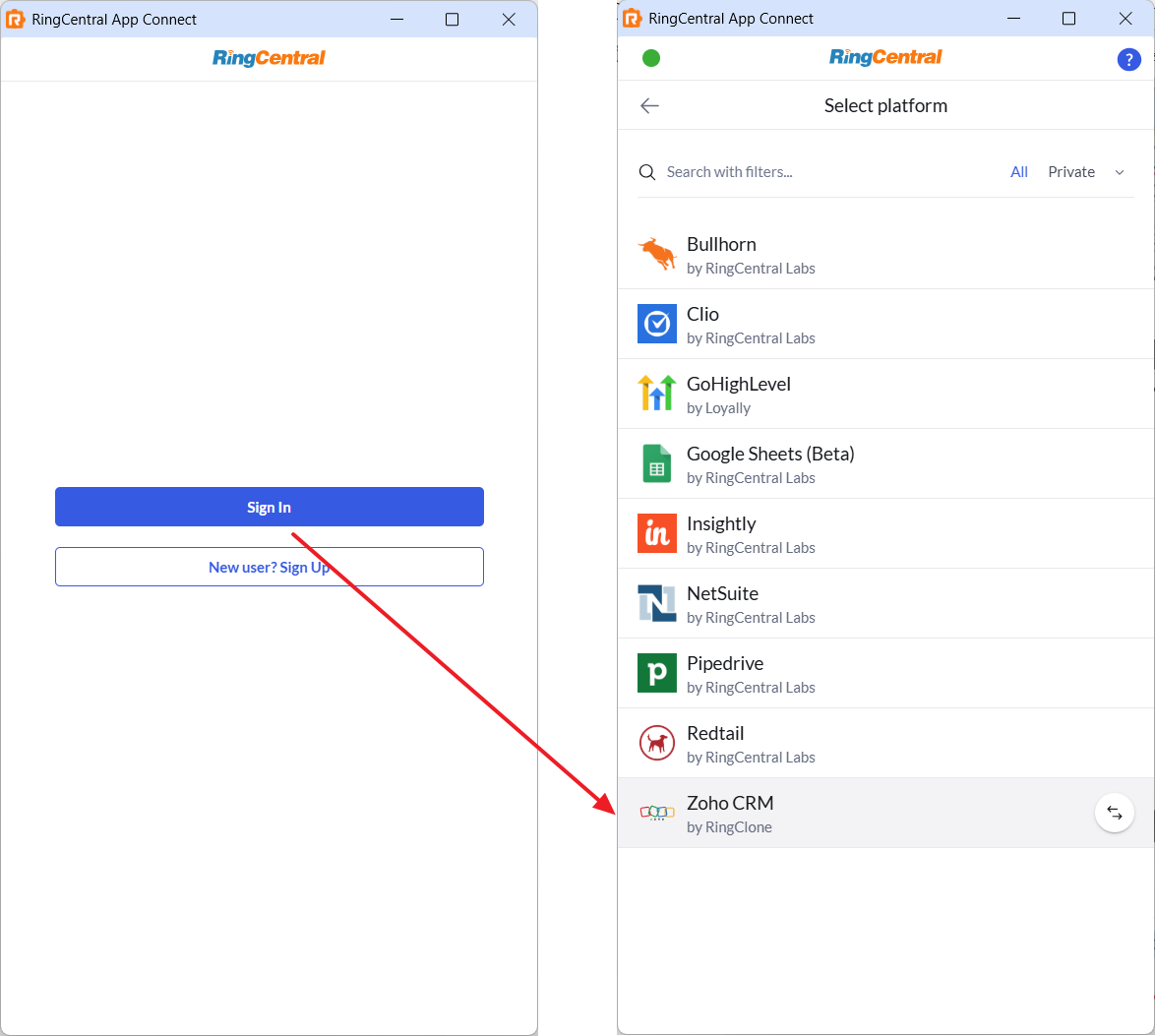
- Sign in to your RingCentral account in the extension, and select the Zoho platform.
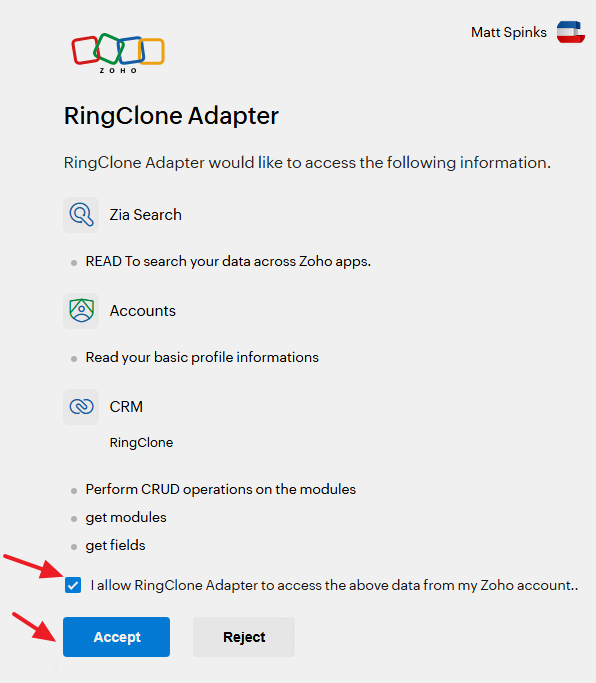
- Authorize Zoho and click "Accept"